By addressing each requirement of the standard, the 46-page professionally formatted ISO 45001:2018 health and safety manual template deploys and communicates OHSMS requirements
What's Included
46-page OHS manual and policy template - Fully editable
Follows the headings of ISO 45001:2018
15 documented procedures - With turtle diagrams and process maps
48 report and form templates - Ready-to-use Excel and Word files
3 internal audit checklists - With automatic result charts
FREE gap analysis checklist
Editable sequence and interaction process map
New 2024 climate change amendments
Text and diagrams are fully editable in .docx format
Payment options
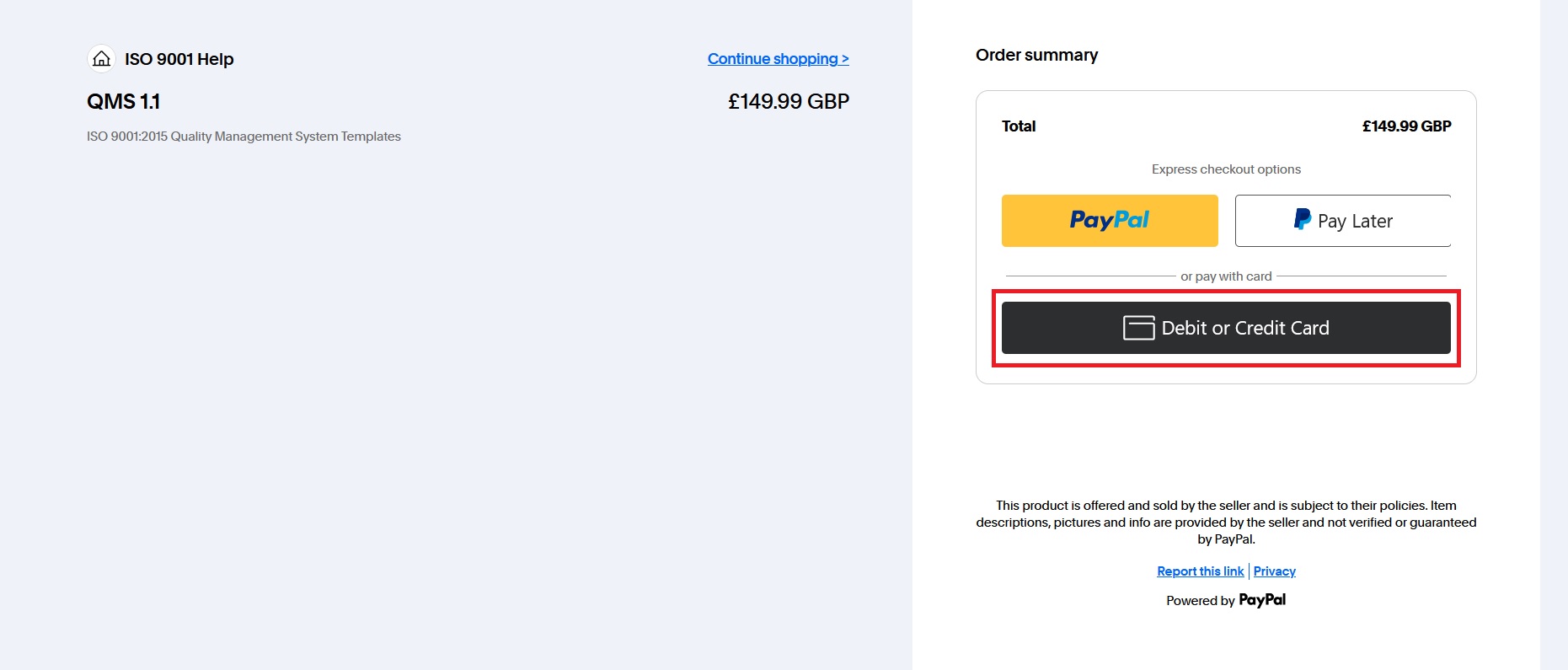
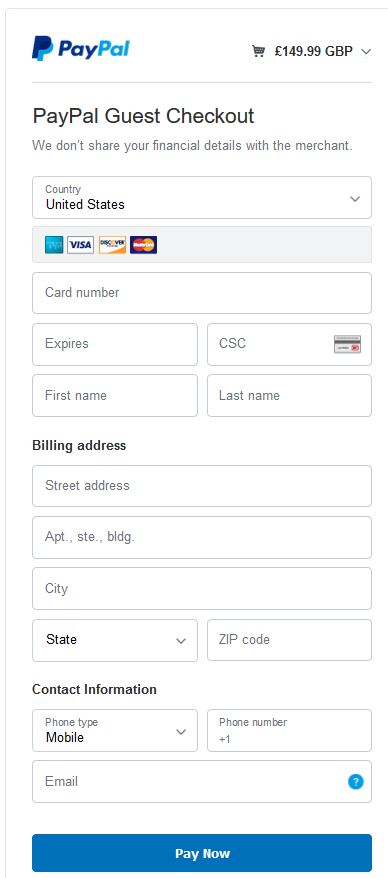
Debit or Credit Card. Click the 'Check Out' button, select the 'Debit or Credit Card' option and enter your details to confirm payment.
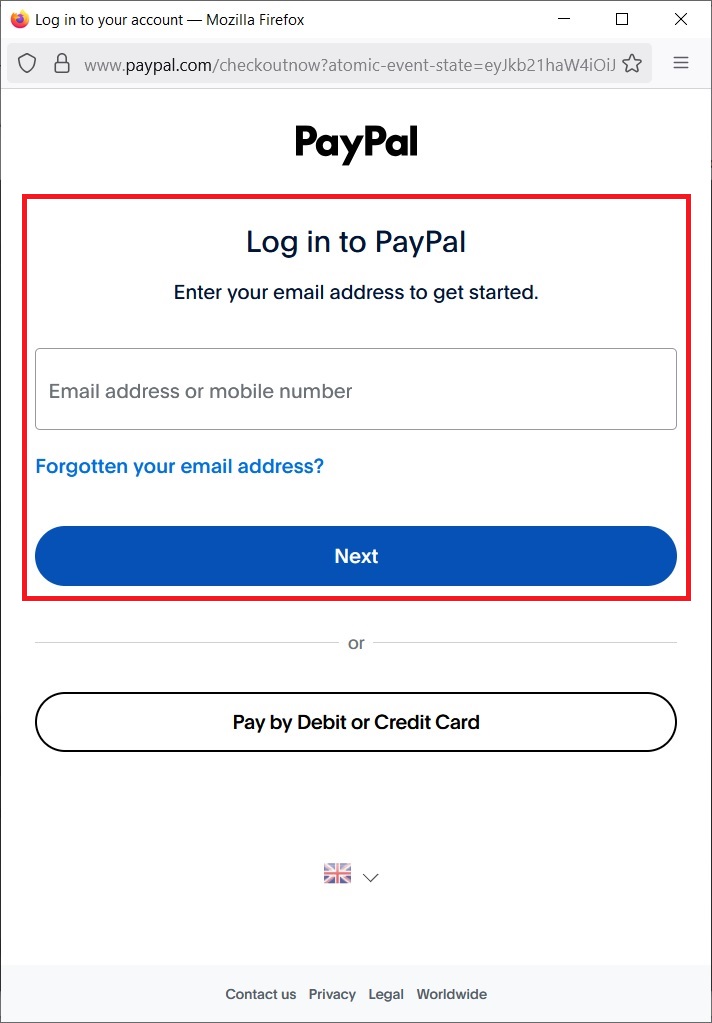
PayPal Account. You can pay using your PayPal account, click the 'PayPal' button and you'll be asked to log in to your account.
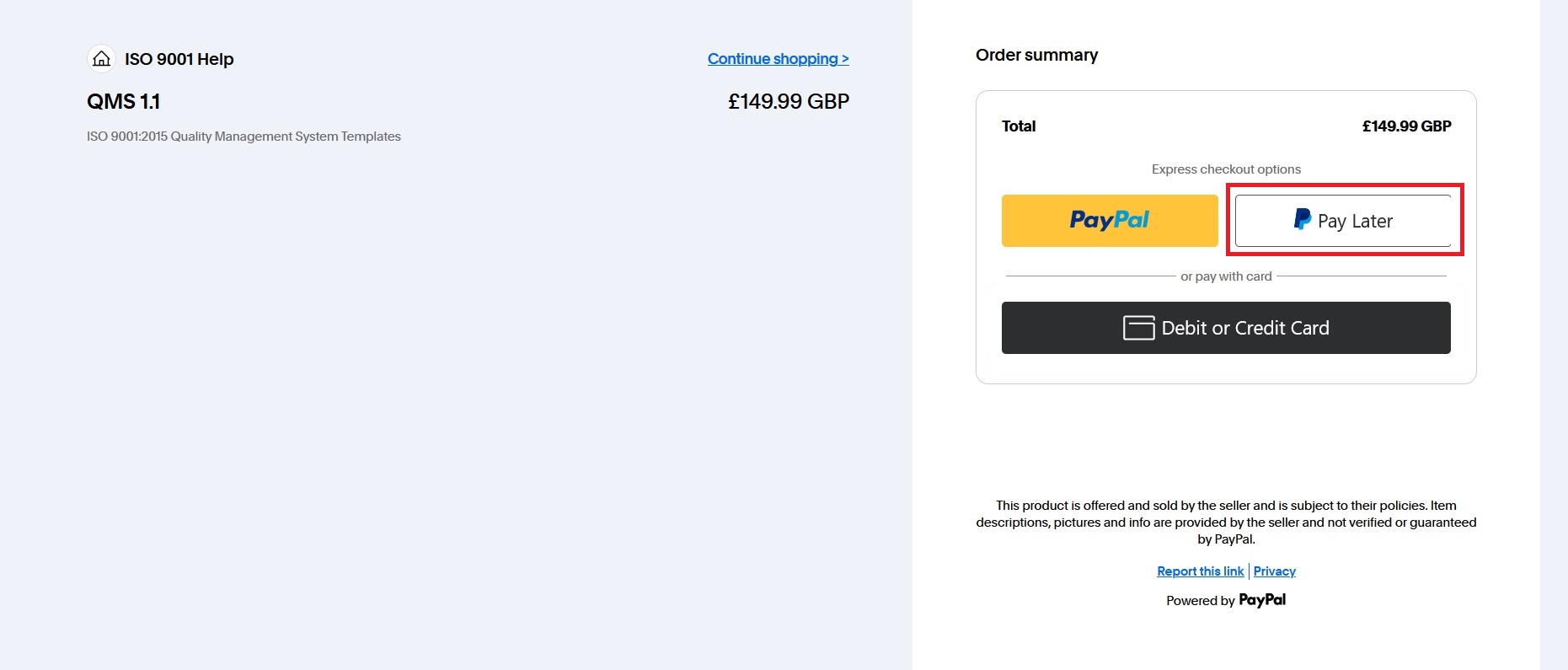
Pay Later. Use your PayPal account, click the 'Check Out' button and select 'Pay Later', you'll be asked to log in to your PayPal account.
Purchase Order. E-mail your purchase order, we'll forward an invoice for bank transfer (BACS). Once cleared, we'll forward the download link.